
 Posted by Lady Saytenn on May 12, 2022

Hello everybody its time for my Second post on this web site. Sorry it's been a while again, you know how it is.
I've been working on a custom toon shader in Blender for a good while. Sure, realtime toon shading has been a thing for years now, but I haven't really seen someone make an automatic solution that mirrors the Principled BSDF. The Lightning Boy Shader and BEER renderer are very good, but they are pretty detached from the PBR workflow, which is probably the whole point of these projects but I digress.
Well what if you want to just posterize your existing shaders? You could use a ColorRamp node, but if your shader has a darker color you'll have to tweak the step positions until it looks right. And if you have multiple objects with different colors you have to tweak each and every ColorRamp, and it's not even compatible with Node Groups.
I have developed a solution. My custom Espresso node group uses the Principled Shader as a base, and uses Map Range nodes to calculate between 0 and the base color per pixel to prevent overdarkening.
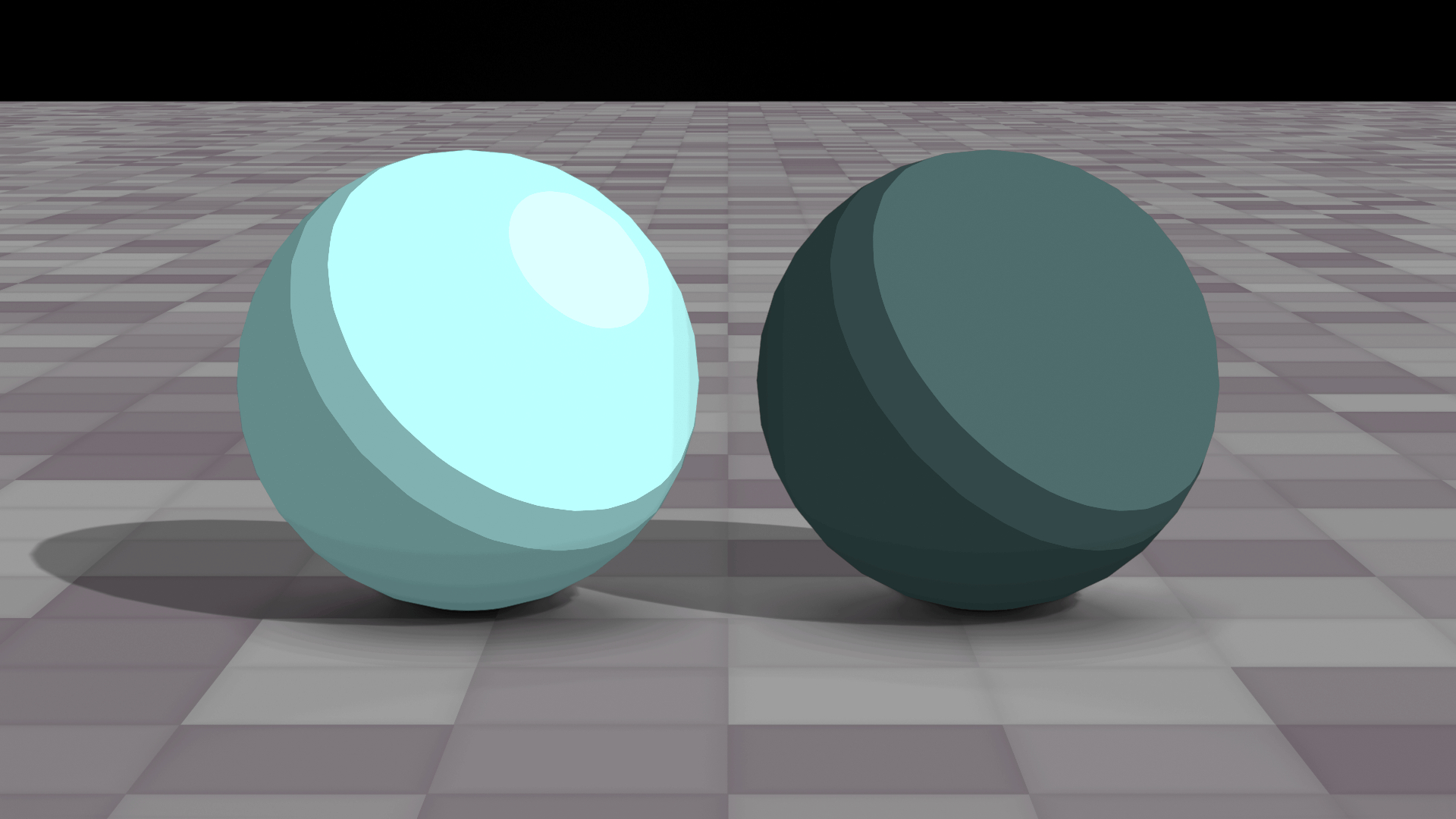
These spheres have the same step count, hue and saturation, but the base color values are different. And even though there may be some differences in highlights, the shadow stops are in the exact same places.
Of course this shader has some extra bells and whistles, such as custom shadow colors. You can multiply your custom shadow color with the base color...

...or have it be completely different. You can even make it brighter than the base color for some whacky effects.
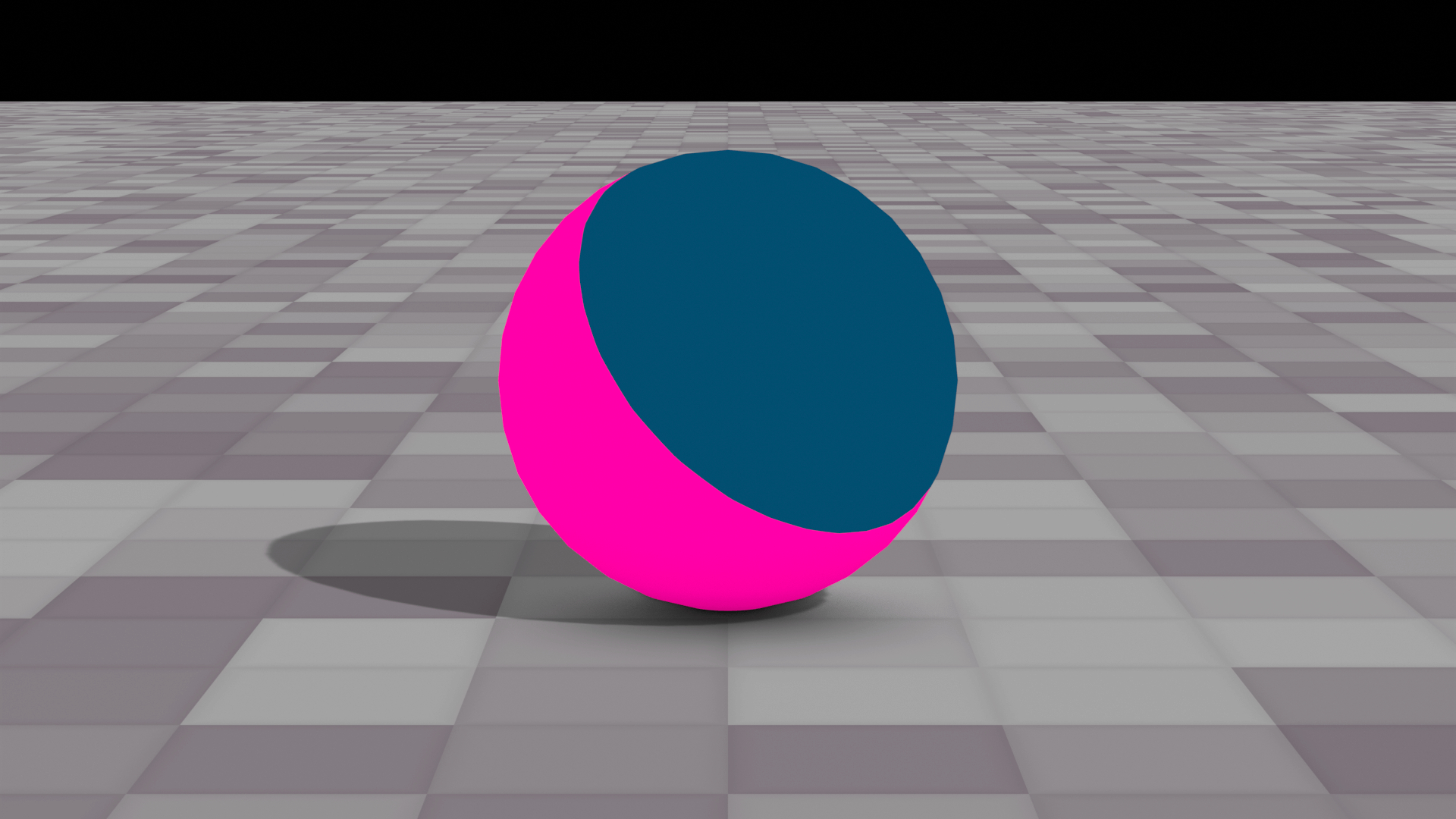
What if you don't want shadows on your object? Well the world's your oyster.

You can even overlay "brush" textures before the stepping process.
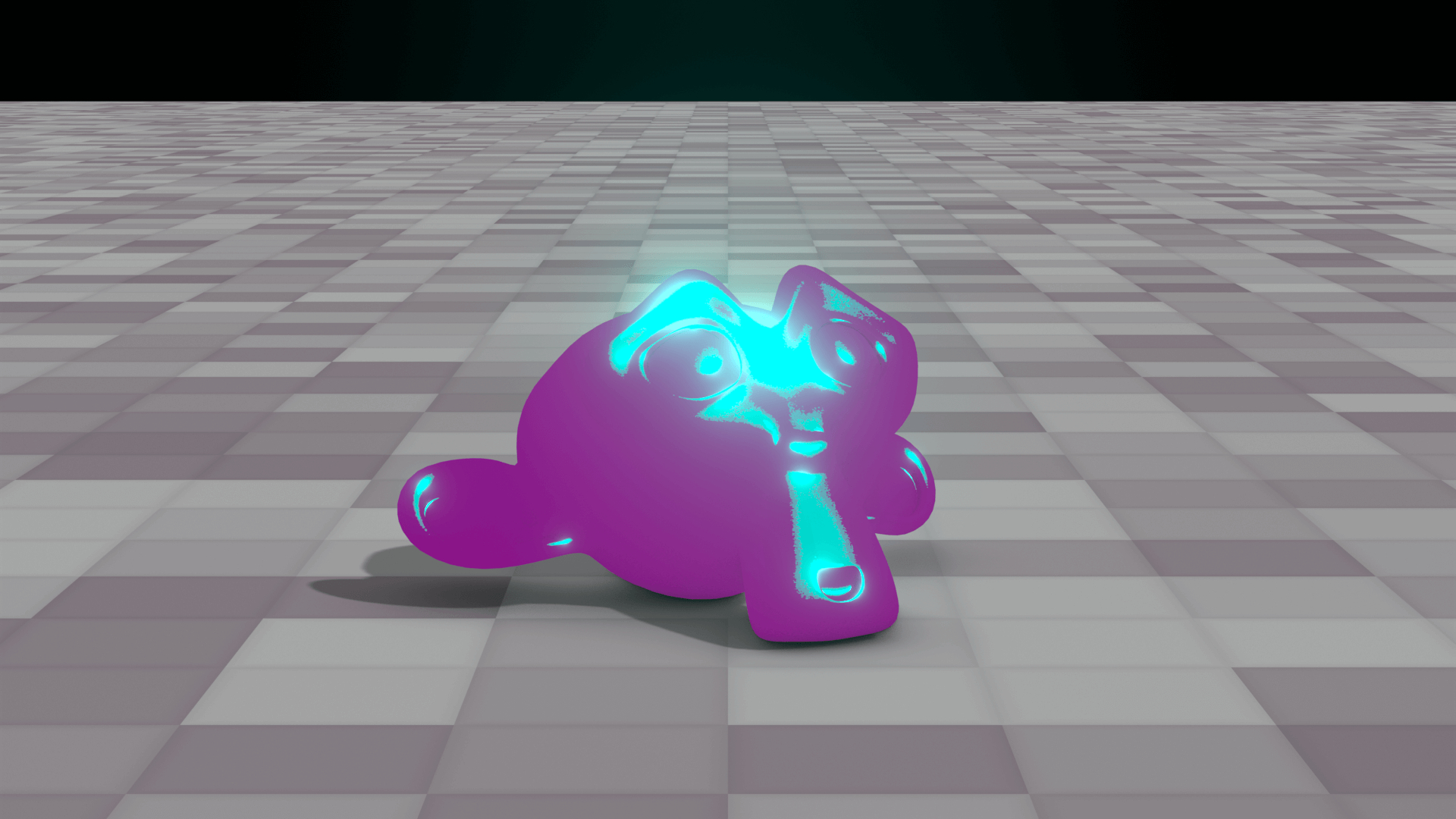
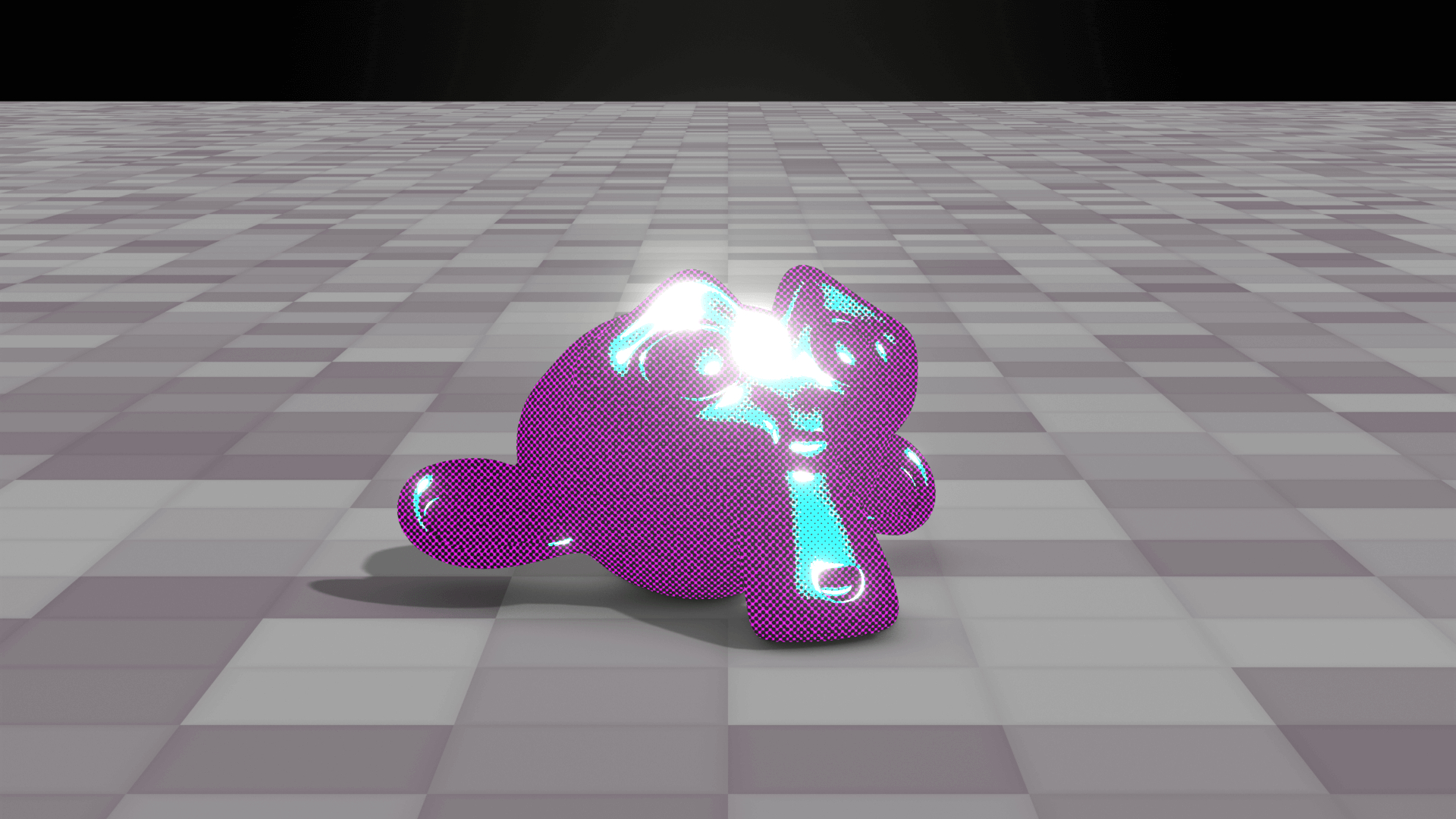
And this might be a separate node group entirely, but you will be able to use a CMYK screentone effect too.
Have a nice day. I love you.